Friday, February 15, 2013

Audacity first narration project part 1

VOCABULARY
ADC: the part of a sound card which records an analog.
Clipping: distortion to sound, usually due to the audio being to loud
DAC:  the part of a sound card which plays back numerical representation of an audio as an analog.


In this assignment I wrote a paragraph on my favorite song DIAMONDS by Rihanna. Then I recorded my voice reading the paragraph.

Thursday, January 17, 2013

audacity assignment 4

vocabulary
sample: a discrete value at a point in a waveform representing the audio at that point.
sample rate: measured in hz like frequency
sample format: also known bit depth or word size

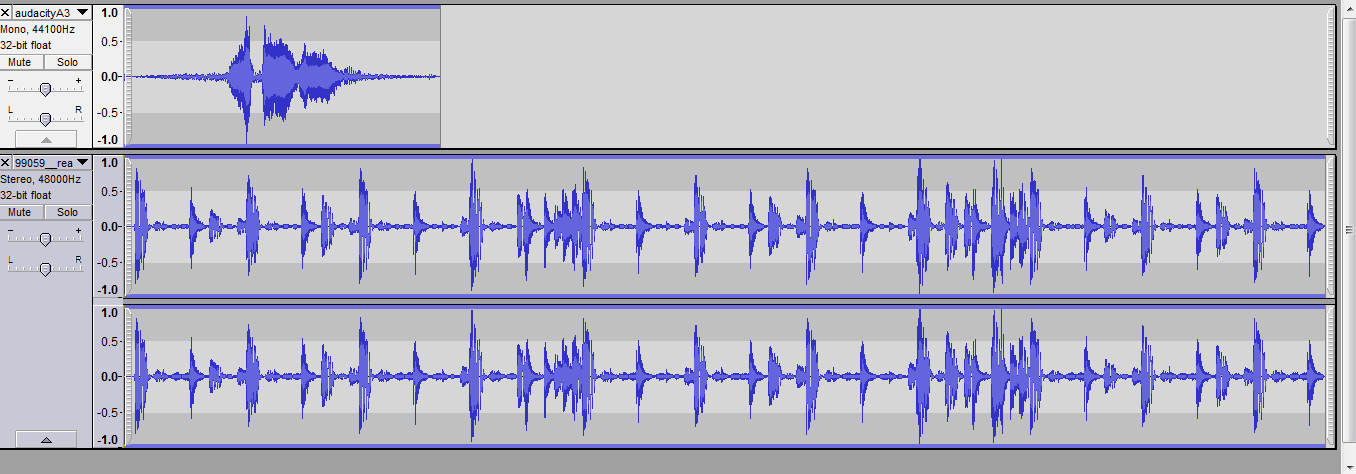
In this assignment I used my last recording to add a beat with it. I went to freesounds.com and chose a  beat I wanted to use with my name. Lastly I uploaded it to soundcloud and pasted it on my blog as you see below.

Tuesday, January 15, 2013

audacity Assignment 3

Vocabulary
liner: a simple, directly propotional,"straight line" relationship.
logarithmic: a non linear relationship where one item is proportional
Gain: a measure of how much a signal is amplified
                                                        summary
In this assignment I used my last recording to fade my voice in and out.I did this by clicking on effect and pressing the fade in button for the first half of my recording and for the second half I did the same thing but with the fade out button.

Friday, January 11, 2013

audacity assignment 2

vocabulary
Amplitude: the level or magnitude of a signal
DB: decibels
                                                         summary
In this assignment I amplified my voice. This makes the high sound higher and the low sound high. I did this by going to the effect tab and clicking amplify.

Wednesday, January 9, 2013

audacity assignment 1

vocabulary
audio file format: stores audio on computer
waveform: a visual representation of an audio signal
WAV: used to create audio on a CD

First I recorded my voice saying my name. Then I went to audacity glossary and defined the words above. Last I uploaded it to sound cloud and I posted on my blog.

Thursday, December 20, 2012

Final Assignment


Song1
sample 1: 00:10.32
sample 2: 00:27.01
sample 3: 00:54.80
sample 4: 1:05:36
sample 5: 1:18.73
scratch: 1:21.74
pitch controller: 1:42.36

Song 2
FX on: 00:12.98
FX off: 00:30.55
change EQ knobs: 2:02.26
1st loop: 00:39.28
2nd loop: 1:32.87

Song3
3rd loop: 00:45.55
4th loop:00:39.59
move balance to right:1:10.64
move balance to left:1:07.62
lower volume:00:53.97
higher volume:00:57.69

First I chose 3 songs that I liked. Then I chose the order in which I want to do the different mixxx assignments in. I put these things in each song. Next I wrote down the time where I did each mixxx assignment at. Later I used the crossfader in each song into one to create one recording with all three songs.

Tuesday, December 4, 2012

Assighnment 9:sampling


I decided to chose a easy song that goes well with the sounds I chose. The four songs I chose were a cat meowing, scratching, a click of a camera, and a drum beat. I also chose a specific spot in the song for each sound.